Android 13 and Android 14 are major releases of Google’s mobile operating system launched in August 2022 and October 2023 respectively. Android 13, designated with the codename “Tiramisu,” introduced enhanced user interface customization and expanded personalization features. Android 14, codenamed “Upside Down Cake,” continued these developments while implementing additional security measures, accessibility improvements, and system optimization.
Android 13 expanded the Material You design system introduced in Android 12, allowing users to customize their device interface based on wallpaper color schemes. This dynamic theming system automatically generates color palettes that apply across system elements and compatible applications. The update also included improvements to notification management, media controls, and app permissions.
Android 14 built upon these customization features while introducing enhanced privacy controls and security protocols. The release included improvements to data protection mechanisms, refined accessibility options, and system performance optimizations. Both versions demonstrate Google’s focus on user interface personalization, privacy protection, and overall system functionality in response to evolving user requirements and security considerations.
Enhanced Privacy and Security Features
One of the most significant advancements in Android 13 and 14 is the enhancement of privacy and security features. In an era where data breaches and privacy violations are rampant, Google has taken substantial steps to ensure that users have greater control over their personal information. Android 13 introduced a new privacy dashboard that provides users with a comprehensive overview of how apps access sensitive data such as location, camera, and microphone.
This feature empowers users to make informed decisions about which applications they trust with their information. Building on this foundation, Android 14 introduced even more robust security measures. One notable addition is the ability to restrict app access to specific files rather than granting blanket permissions.
This granular control allows users to share only the necessary data with applications, minimizing the risk of unauthorized access. Furthermore, Android 14 enhanced the use of biometric authentication methods, such as fingerprint and facial recognition, making it easier for users to secure their devices while maintaining convenience. These improvements reflect a broader trend in mobile operating systems toward prioritizing user privacy and security in an increasingly interconnected world.
Improved User Interface and User Experience
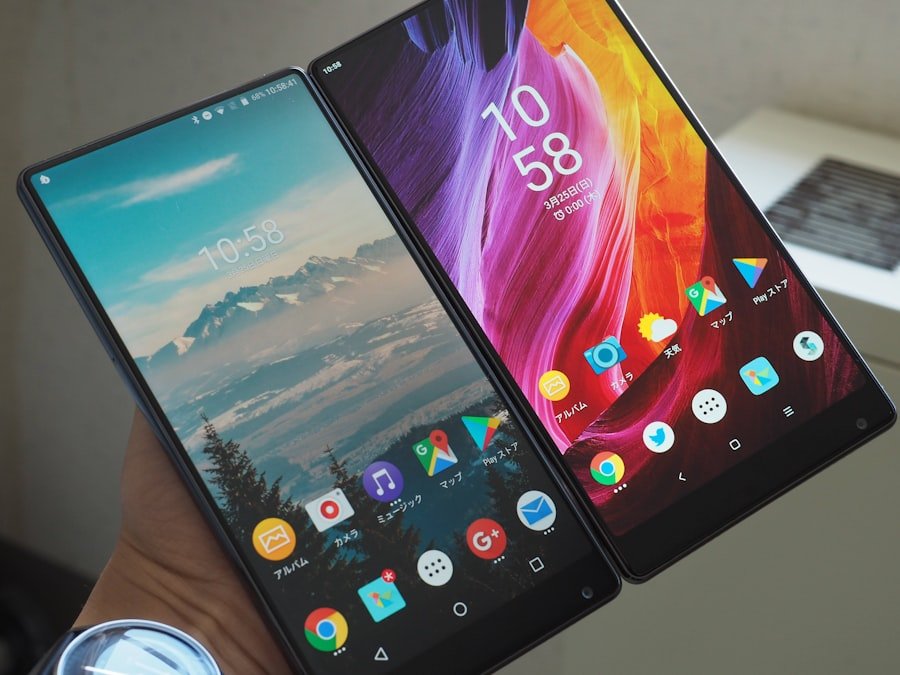
The user interface (UI) and overall user experience (UX) have seen remarkable improvements in both Android 13 and 14. Android 13’s introduction of Material You was a game-changer, allowing users to customize their devices in ways that were previously unimaginable. The dynamic theming feature not only changed the color palette of the UI based on the chosen wallpaper but also extended to app icons and widgets, creating a harmonious visual experience.
This level of personalization fosters a deeper emotional connection between users and their devices, making each interaction feel unique. Android 14 took these UI enhancements further by refining the overall aesthetic and usability of the operating system. The introduction of new widgets with more interactive capabilities allows users to access information at a glance without needing to open applications.
For instance, music players can now display album art and playback controls directly on the home screen, enhancing convenience. Additionally, Android 14 improved gesture navigation, making it more intuitive for users to switch between apps or return to the home screen. These refinements contribute to a smoother and more enjoyable user experience, ensuring that interactions with the device feel fluid and responsive.
New Communication and Connectivity Features
In an age where communication is paramount, Android 13 and 14 have introduced several new features aimed at enhancing connectivity and interaction among users. Android 13 brought significant improvements to messaging applications by integrating features like rich content sharing across platforms. Users can now send high-quality images and videos without compromising on resolution or quality, making conversations more engaging.
Additionally, the introduction of improved notification management allows users to prioritize important messages while minimizing distractions from less critical notifications. Android 14 further expanded on these communication capabilities by introducing features that facilitate seamless connectivity between devices. The Nearby Share feature was enhanced to allow for faster file transfers between Android devices, making it easier for users to share content on the go.
Moreover, Android 14 introduced support for satellite communication in select regions, enabling users to send messages even in areas without cellular coverage. This feature is particularly beneficial for outdoor enthusiasts or those living in remote areas where traditional connectivity options may be limited. By focusing on enhancing communication tools, both Android 13 and 14 have made it easier for users to stay connected with friends, family, and colleagues.
Upgraded Camera and Media Features
| Feature | Android 13 | Android 14 | Difference / Improvement |
|---|---|---|---|
| Privacy Enhancements | Photo picker with limited access to media | Expanded photo picker with improved privacy controls and granular permissions | More granular control over media access and enhanced user privacy |
| App Compatibility | Standard app compatibility improvements | Stronger app compatibility guarantees and predictive back gestures | Improved app stability and smoother navigation experience |
| Battery & Performance | Optimizations for battery life and performance | Further battery optimizations with better background task management | Enhanced battery efficiency and reduced background resource usage |
| Security Features | Runtime permission for notifications | More robust security with improved sandboxing and app verification | Stronger security model and reduced attack surface |
| User Interface | Material You theming with dynamic color | Expanded Material You customization with more color options and animations | Richer UI personalization and smoother animations |
| Accessibility | Improved text-to-speech and magnification features | Enhanced accessibility with better voice access and haptic feedback | More inclusive features for users with disabilities |
| Connectivity | Bluetooth LE Audio support | Improved satellite connectivity and better 5G support | Expanded connectivity options and faster network performance |
| Developer Tools | New APIs for media and notifications | Additional APIs for predictive back gestures and app compatibility | More tools for developers to enhance app experience |
The camera capabilities of smartphones have become a critical factor in consumer choice, and Android 13 and 14 have made significant strides in this area. Android 13 introduced advanced camera features such as improved low-light performance and enhanced image stabilization, allowing users to capture stunning photos even in challenging lighting conditions. The integration of machine learning algorithms also enabled features like real-time object recognition and scene optimization, ensuring that images are captured with optimal settings based on the environment.
With the release of Android 14, Google took mobile photography a step further by introducing new editing tools directly within the camera app. Users can now apply filters, adjust exposure, and crop images without needing third-party applications. Additionally, video recording capabilities were enhanced with support for higher frame rates and resolutions, allowing for smoother playback and more professional-looking content creation.
The focus on media features extends beyond photography; Android 14 also improved audio quality during calls and media playback by supporting advanced audio codecs. These upgrades reflect a growing recognition of the importance of multimedia capabilities in modern smartphones.
Enhanced Performance and Battery Life
Performance optimization is a cornerstone of any successful operating system update, and both Android 13 and 14 have made significant improvements in this regard. Android 13 introduced various under-the-hood enhancements that resulted in faster app launches and smoother multitasking experiences. The operating system’s ability to manage resources efficiently means that users can run multiple applications simultaneously without experiencing lag or slowdowns.
Android 14 built upon these performance enhancements by introducing adaptive battery management features that learn user habits over time. This intelligent battery management system optimizes power consumption based on how frequently certain apps are used, extending battery life significantly. For instance, if a user consistently uses specific applications during certain hours of the day, Android 14 will prioritize battery resources for those apps while limiting background activity for less frequently used ones.
This not only enhances battery longevity but also ensures that users can rely on their devices throughout the day without worrying about running out of power.
New Accessibility and Inclusivity Features
Accessibility has become an essential consideration in software development, and both Android 13 and 14 have made strides toward inclusivity for all users. Android 13 introduced features such as improved voice recognition capabilities that allow individuals with speech impairments to interact with their devices more effectively. The operating system also enhanced text-to-speech functionality, making it easier for visually impaired users to navigate their devices through auditory feedback.
Android 14 took these initiatives further by introducing customizable accessibility settings that cater to individual needs. Users can now adjust display settings such as text size, contrast levels, and color schemes to suit their preferences better. Additionally, new gesture controls were implemented to assist those with limited mobility in navigating their devices more easily.
These enhancements reflect a growing awareness of the diverse needs of users and demonstrate Google’s commitment to creating an inclusive digital environment where everyone can benefit from technology.
Conclusion and Future Expectations
As we look ahead to future iterations of Android beyond versions 13 and 14, it is clear that Google is committed to continuing its trajectory of innovation in mobile technology. The enhancements seen in these versions set a high standard for what users can expect from future updates—greater personalization options, improved security measures, and an unwavering focus on performance optimization are likely to remain at the forefront of development efforts. Moreover, as technology continues to evolve rapidly, we can anticipate even more integration of artificial intelligence into the Android ecosystem.
Features such as predictive text input, smarter app suggestions based on usage patterns, and enhanced voice assistants are expected to become more sophisticated over time. Additionally, as global concerns about privacy persist, future versions will likely introduce even more robust security protocols designed to protect user data while maintaining ease of use. In summary, Android 13 and 14 have laid a strong foundation for future developments within the operating system by prioritizing user experience across various dimensions—privacy, performance, accessibility, and multimedia capabilities are just a few areas where significant progress has been made.
As Google continues to innovate in response to user feedback and technological advancements, we can expect future versions of Android to further enhance our interactions with mobile devices in ways we have yet to imagine.
FAQs
What are the key differences between Android 13 and Android 14?
Android 14 introduces enhanced privacy controls, improved battery optimization, and more customization options compared to Android 13. It also offers better support for foldable devices and expanded accessibility features.
Does Android 14 improve security compared to Android 13?
Yes, Android 14 includes updated security protocols, more granular permission settings, and enhanced app sandboxing to provide stronger protection for user data than Android 13.
Are there any changes in user interface between Android 13 and Android 14?
Android 14 features subtle UI refinements, including updated notification designs, improved animations, and more intuitive settings menus, building upon the Material You design introduced in Android 13.
How does Android 14 affect app compatibility compared to Android 13?
Android 14 offers better backward compatibility and introduces new APIs that help developers optimize apps for a wider range of devices, including foldables and large-screen formats, improving upon Android 13’s capabilities.
Is battery life improved in Android 14 over Android 13?
Yes, Android 14 includes enhanced battery management features and smarter background process handling, which contribute to better battery efficiency compared to Android 13.
Are there new accessibility features in Android 14 that were not in Android 13?
Android 14 expands accessibility options with improved voice access, better screen reader support, and customizable display settings, offering more inclusive user experiences than Android 13.
Can devices running Android 13 be upgraded to Android 14?
Most devices that run Android 13 are eligible for an upgrade to Android 14, depending on the manufacturer’s update policy and device compatibility.
Does Android 14 support new hardware features compared to Android 13?
Yes, Android 14 includes support for newer hardware technologies such as advanced camera capabilities, improved biometric sensors, and enhanced foldable device functionality that were limited or unavailable in Android 13.