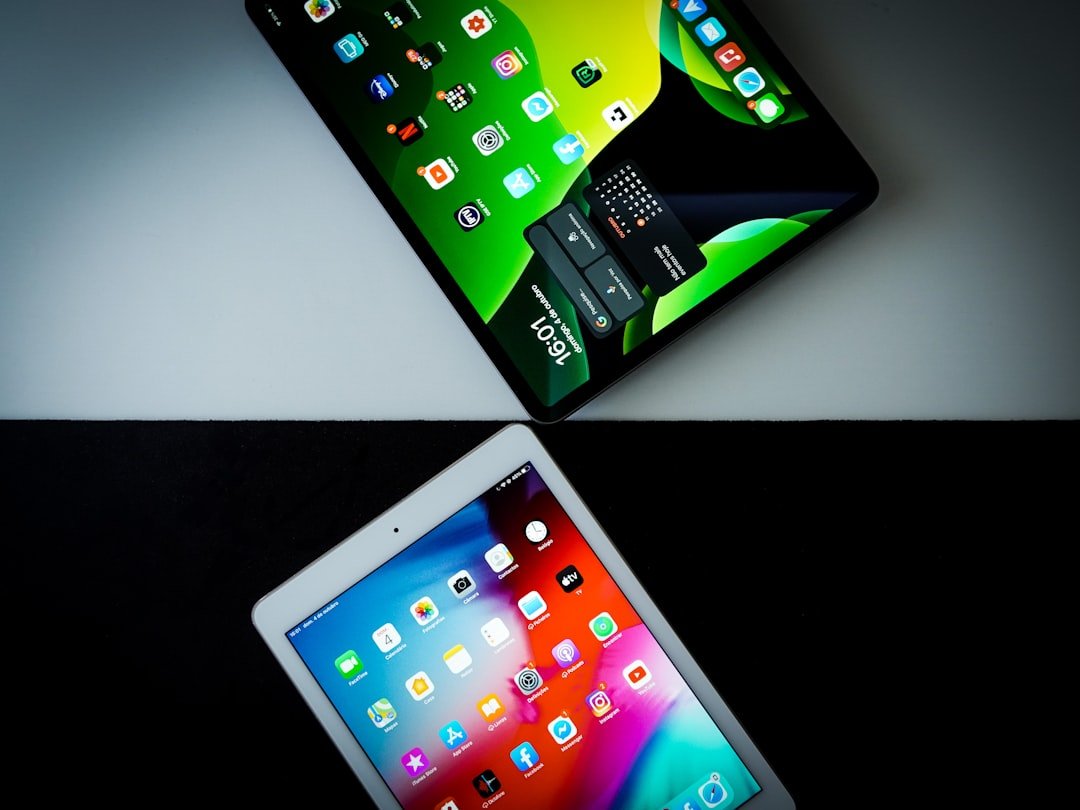
In contemporary computing, portability and mobility have become critical factors in device design and user adoption. Laptops, tablets, and smartphones serve as primary computing tools across professional, educational, and personal applications, enabling users to maintain productivity and connectivity across diverse locations. Device manufacturers have prioritized weight reduction and size optimization through advanced materials engineering and miniaturization techniques.
Modern ultrabooks typically weigh between 2-3 pounds and feature profiles measuring less than 0.7 inches thick, facilitating transport in standard carrying cases. The development of 2-in-1 convertible devices has created a hybrid category that combines laptop and tablet functionality within a single unit. These devices operate in multiple configurations: laptop mode for keyboard-intensive tasks and tablet mode for touch-based interactions and media consumption.
Key features include detachable or rotating keyboards, pressure-sensitive touchscreens, and stylus support. This design approach addresses varied user requirements, from educational note-taking applications to mobile business computing needs. Market trends indicate sustained growth in portable computing demand, driven by remote work adoption and location-independent work arrangements.
Current portable devices integrate wireless connectivity standards, extended battery life (typically 8-12 hours), and processing capabilities comparable to traditional desktop systems. These technological advances support continuous productivity across changing work environments while maintaining performance standards required for professional applications.
Battery Life
Battery life is a critical factor that significantly influences the usability of portable devices. Users expect their laptops, tablets, and smartphones to last throughout the day without needing a recharge, especially when they are on the move. Advances in battery technology have led to improvements in energy efficiency, allowing devices to operate longer on a single charge.
For example, many modern laptops now boast battery lives exceeding 10 hours, thanks in part to energy-efficient processors and optimized software. This extended battery life is particularly beneficial for professionals who may find themselves in situations where access to power outlets is limited, such as during long flights or while attending conferences. In addition to hardware advancements, software optimization plays a crucial role in enhancing battery performance.
Operating systems are increasingly designed to manage power consumption intelligently, adjusting settings based on user behavior and application demands. Features like adaptive brightness and background app management help conserve energy without sacrificing performance. Furthermore, manufacturers are exploring innovative solutions such as fast charging technology, which allows users to quickly recharge their devices in a short amount of time.
This combination of long-lasting batteries and rapid charging capabilities ensures that users can remain productive and connected throughout their day-to-day activities.
Multitasking and Performance
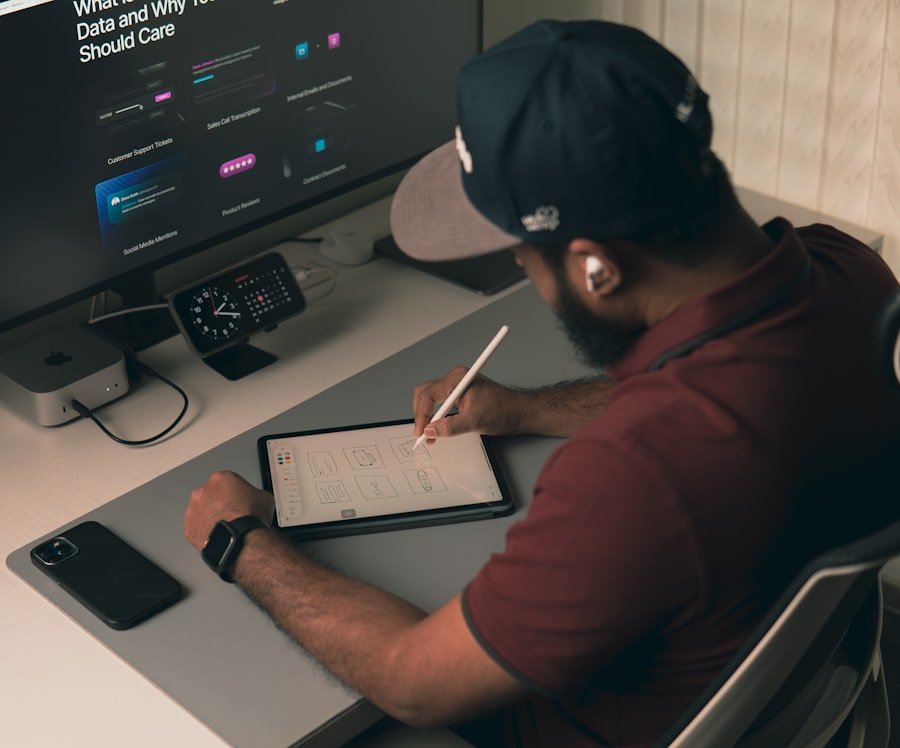
The ability to multitask efficiently is a hallmark of modern computing devices, catering to the diverse needs of users who juggle multiple applications simultaneously. Performance is paramount in this regard; devices equipped with powerful processors and ample RAM can handle demanding tasks with ease. For instance, laptops featuring Intel’s latest Core i7 or AMD’s Ryzen 7 processors provide the necessary horsepower for running resource-intensive applications like video editing software or virtual machines while maintaining smooth performance across multiple open windows.
This capability is essential for professionals in fields such as graphic design or software development, where multitasking is often a requirement. Moreover, advancements in solid-state drives (SSDs) have revolutionized data access speeds, further enhancing multitasking capabilities. Unlike traditional hard drives, SSDs offer significantly faster read and write speeds, allowing users to launch applications almost instantaneously and switch between tasks without noticeable lag.
This improvement not only boosts productivity but also enhances the overall user experience by reducing frustration associated with slow load times. Additionally, operating systems are increasingly designed with multitasking in mind, incorporating features like virtual desktops and split-screen functionality that allow users to organize their workflow more effectively. As the demand for high-performance devices continues to rise, manufacturers are likely to focus on delivering even more powerful hardware and optimized software solutions.
Input Methods
Input methods are a fundamental aspect of user interaction with computing devices, influencing how effectively individuals can communicate with their machines. Traditional keyboards and touchpads remain prevalent in laptops; however, the landscape of input methods has expanded significantly with the advent of touchscreen technology and stylus support. Touchscreens offer an intuitive way to navigate interfaces, allowing users to interact directly with what they see on the screen.
This direct manipulation can enhance productivity for tasks such as drawing or note-taking, where precision is key. Devices like the Microsoft Surface Pro exemplify this trend by combining a responsive touchscreen with a detachable keyboard, catering to both casual users and professionals. Voice recognition technology has also gained traction as an alternative input method, enabling users to control their devices through spoken commands.
Virtual assistants like Siri, Google Assistant, and Cortana have become integral parts of many operating systems, allowing users to perform tasks hands-free—whether it’s setting reminders, sending messages, or searching the web. This hands-free capability is particularly beneficial in scenarios where users may be occupied with other tasks or when traditional input methods are impractical. As artificial intelligence continues to evolve, we can expect voice recognition systems to become even more sophisticated, further enhancing their utility as an input method.
Screen Size and Display
| Metric | Tablet Productivity | Laptop Productivity | Difference |
|---|---|---|---|
| Typing Speed (words per minute) | 30-40 (on-screen keyboard) | 50-70 (physical keyboard) | 20-30 wpm slower on tablets |
| Multitasking Efficiency | Moderate (split-screen apps) | High (multiple windows, full OS) | Reduced multitasking on tablets |
| Battery Life (hours) | 8-12 | 5-8 | Tablets generally last longer |
| Portability | Very High (lightweight, compact) | Moderate (heavier, larger) | Tablets are more portable |
| Software Availability | Limited (mobile apps) | Extensive (full desktop apps) | Laptops support more software |
| Input Methods | Touchscreen, stylus | Keyboard, mouse, touchpad | Different input suited for tasks |
| Setup Time | Instant on, quick use | Longer boot and setup | Tablets enable faster start |
| Screen Size | 7-13 inches | 13-17 inches | Laptops offer larger displays |
Screen size and display quality are critical factors that influence user experience across various computing devices. The choice of screen size often depends on the intended use; larger screens provide more real estate for multitasking and media consumption but can compromise portability. For instance, a 15-inch laptop may be ideal for graphic design work due to its expansive display but may be cumbersome for travel compared to a 13-inch model.
Manufacturers have responded to this challenge by offering a range of sizes that cater to different user preferences while also incorporating high-resolution displays that enhance visual clarity. Display technology has also seen significant advancements in recent years. Many modern devices now feature high-definition (HD), quad high-definition (QHD), or even 4K displays that deliver stunning visuals with vibrant colors and sharp details.
Technologies such as OLED (Organic Light Emitting Diode) provide deeper blacks and more vivid colors compared to traditional LCD screens, making them particularly appealing for media consumption. Additionally, features like anti-glare coatings and adaptive brightness help improve visibility in various lighting conditions, ensuring that users can enjoy their content without straining their eyes. As display technology continues to evolve, we can expect even more immersive experiences that enhance productivity and entertainment alike.
Software and Applications
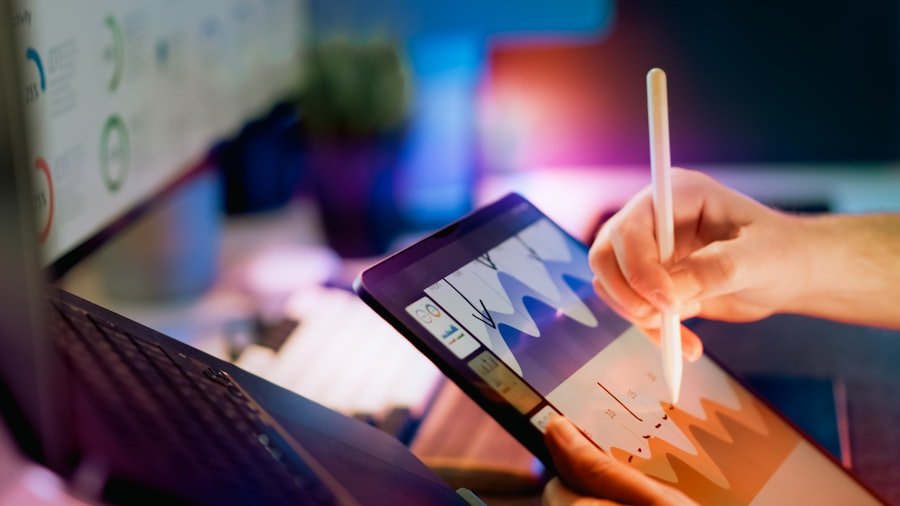
The software ecosystem surrounding computing devices plays a pivotal role in determining their functionality and user experience. Operating systems such as Windows, macOS, iOS, and Android provide the foundational framework upon which applications run. Each operating system has its strengths; for example, Windows is known for its compatibility with a wide range of software applications, making it a popular choice among business users and gamers alike.
In contrast, macOS offers seamless integration with other Apple products and is favored by creative professionals for its robust multimedia capabilities. Applications themselves have become increasingly specialized and sophisticated over time. From productivity suites like Microsoft Office and Google Workspace to creative tools like Adobe Creative Cloud, users have access to an extensive array of software tailored to their specific needs.
The rise of cloud computing has further transformed how applications are delivered and utilized; many programs now operate entirely online, allowing users to access their work from any device with an internet connection. This shift not only enhances collaboration but also reduces the need for extensive local storage on devices. As software development continues to advance, we can anticipate even more innovative applications that leverage emerging technologies such as artificial intelligence and machine learning.
Connectivity and Accessories
Connectivity options are essential for maximizing the functionality of computing devices in today’s interconnected world. Most modern laptops and tablets come equipped with various ports such as USB-C, HDMI, and Thunderbolt 3, enabling users to connect external displays, storage devices, and peripherals with ease. The advent of wireless technologies like Wi-Fi 6 and Bluetooth 5 has further enhanced connectivity by providing faster data transfer rates and improved range for wireless accessories such as keyboards, mice, headphones, and printers.
Accessories play a crucial role in expanding the capabilities of portable devices. For instance, docking stations allow users to transform their laptops into desktop workstations by providing additional ports for connecting multiple monitors and peripherals simultaneously. Similarly, external graphics cards (eGPUs) can significantly boost graphical performance for gaming or creative tasks when connected to compatible laptops via Thunderbolt 3 ports.
The growing trend of smart accessories—such as styluses designed for precise input on touchscreens—also reflects the increasing demand for versatile tools that enhance productivity and creativity.
Ergonomics and Comfort
Ergonomics is an often-overlooked aspect of computing device design that significantly impacts user comfort during prolonged use. As individuals spend hours working on laptops or tablets, factors such as keyboard layout, screen height, and overall device weight become critical considerations. Manufacturers are increasingly prioritizing ergonomic designs that promote healthy posture and reduce strain on the body.
For example, laptops with adjustable hinges allow users to position the screen at eye level while maintaining a comfortable typing angle. Additionally, features such as backlit keyboards enhance usability in low-light environments while reducing eye strain associated with poor lighting conditions. The inclusion of palm rests on keyboards can also contribute to comfort during extended typing sessions by providing support for the wrists.
Furthermore, lightweight materials not only improve portability but also reduce fatigue when carrying devices over long distances. As awareness of workplace ergonomics grows among consumers and organizations alike, we can expect manufacturers to continue innovating in this area to create devices that prioritize user comfort without compromising performance or functionality.
FAQs
What are the main differences between tablet and laptop productivity?
Tablets generally offer greater portability and touch-based interaction, making them ideal for quick tasks, note-taking, and media consumption. Laptops provide more powerful hardware, a physical keyboard, and a wider range of software, which supports more complex and multitasking productivity needs.
Can tablets replace laptops for work purposes?
Tablets can replace laptops for certain work tasks such as email, document editing, and presentations, especially when paired with accessories like keyboards. However, for intensive tasks like software development, graphic design, or heavy multitasking, laptops are usually more suitable.
How does the user interface affect productivity on tablets versus laptops?
Tablets rely primarily on touch interfaces, which can enhance creativity and ease of use for certain applications but may limit precision and speed for tasks requiring extensive typing or complex commands. Laptops use keyboard and mouse inputs, which generally support faster and more accurate data entry and navigation.
Are there specific software limitations on tablets compared to laptops?
Yes, tablets often run mobile or simplified versions of software, which may lack some advanced features found in desktop applications on laptops. This can impact productivity for users who require full-featured software tools.
What role do accessories play in tablet productivity?
Accessories such as detachable keyboards, styluses, and external displays can significantly enhance tablet productivity by improving input methods and expanding functionality, making tablets more comparable to laptops for certain tasks.
How does battery life compare between tablets and laptops?
Tablets typically have longer battery life than laptops due to their energy-efficient components and smaller screens, which can support extended productivity sessions without frequent charging.
Is multitasking easier on laptops or tablets?
Laptops generally offer better multitasking capabilities with features like multiple windows, full desktop operating systems, and more powerful processors. Tablets have improved multitasking features but may still be limited compared to laptops.
What types of users benefit most from tablets for productivity?
Users who prioritize mobility, quick access to information, note-taking, and media consumption—such as students, field workers, and casual users—often benefit most from tablets for productivity tasks.
Do tablets support external storage and peripherals as laptops do?
Many tablets support external storage and peripherals via USB-C or other ports, but compatibility and functionality may be more limited compared to laptops, which typically offer a wider range of ports and better peripheral support.
How does cost influence the choice between a tablet and a laptop for productivity?
Tablets can be more affordable and cost-effective for basic productivity needs, while laptops generally involve higher costs but provide greater performance and versatility for professional and intensive tasks.